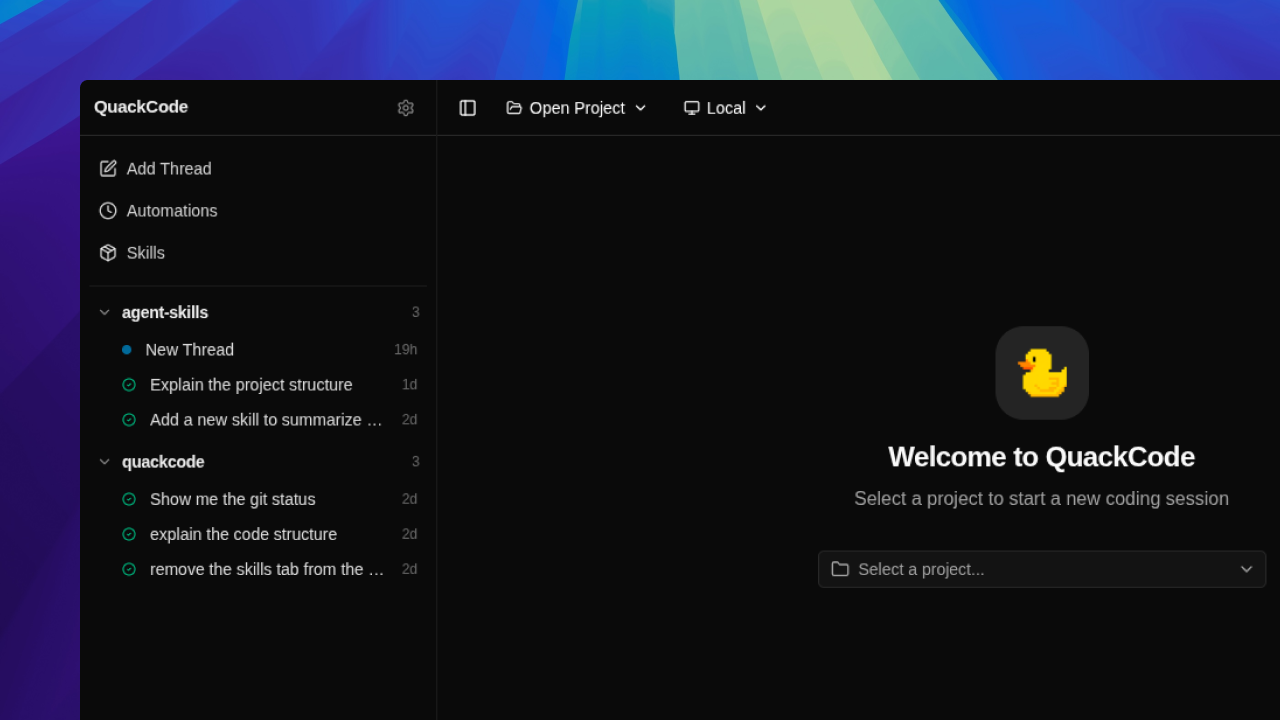
Every new coding tool shipped for macOS and Windows first, and Linux got a terminal client or a vague roadmap. The Codex desktop app, the Claude Code desktop app, cmux, Conductor, none of them had a Linux build I could actually install. I wanted something native and local I could use on Linux every day.
So I built it. QuackCode is an ongoing desktop coding agent for Linux that opens local repos, runs multi-turn threads against them, streams text and tool activity live, and keeps the whole history on disk. The current build supports Claude through the local claude CLI session, Gemini through API keys, and Codex through codex app-server. Some providers fit best as direct API integrations, others fit better as local CLI-backed sessions, and the app handles both behind one interface.
Most of the current work on QuackCode now happens inside QuackCode. The UI went sluggish on long streamed replies because the renderer was re-rendering on every token, which pushed me to batch text_delta chunks and flush them once per animation frame. I also caught threads silently switching providers when I changed the dropdown mid-conversation, which is how the thread-level provider lock ended up in the agent service. Both of those came from using the tool to build the tool.
What shipped#
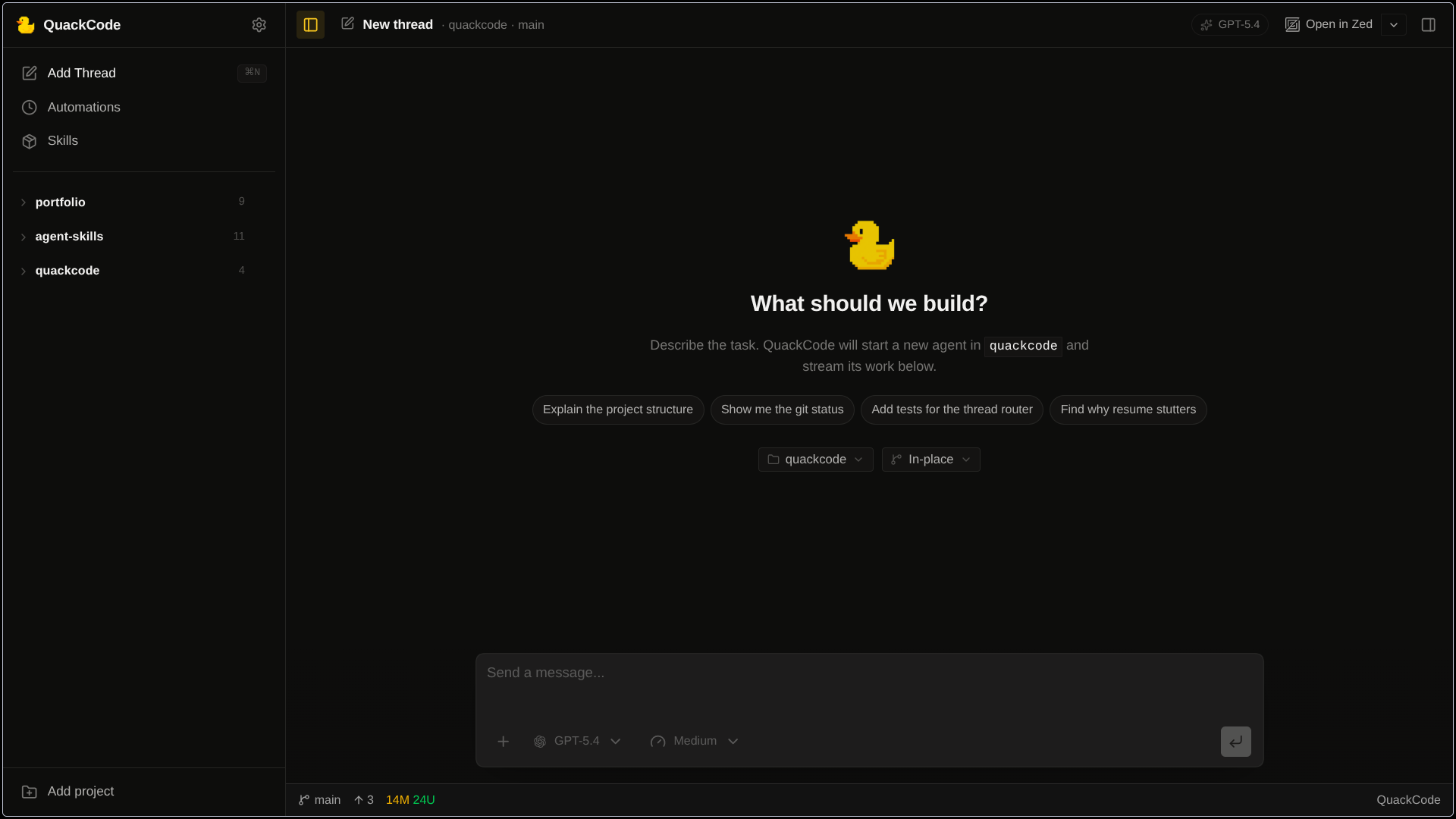
The core loop lives in the Electron main process. A user message gets written to SQLite, the app rebuilds the thread history from the database, hands that context to the selected provider, then records the resulting assistant text, tool calls, tool results, and turn events back into storage. Threads are intentionally locked to one provider after the first message so a conversation does not silently switch from Claude to Gemini halfway through, while model choice can still move within that provider.
Gemini uses QuackCode's own tool definitions directly. Claude and Codex execute tools through their own SDK or session APIs, so I normalize those tool calls and results back into QuackCode's message model and event log so the renderer can replay the turn the same way no matter which backend handled it. On the UI side, text and tool events stream in real time, and I batch token bursts in the renderer so the app stays responsive instead of re-rendering on every tiny chunk.
Trust and isolation#
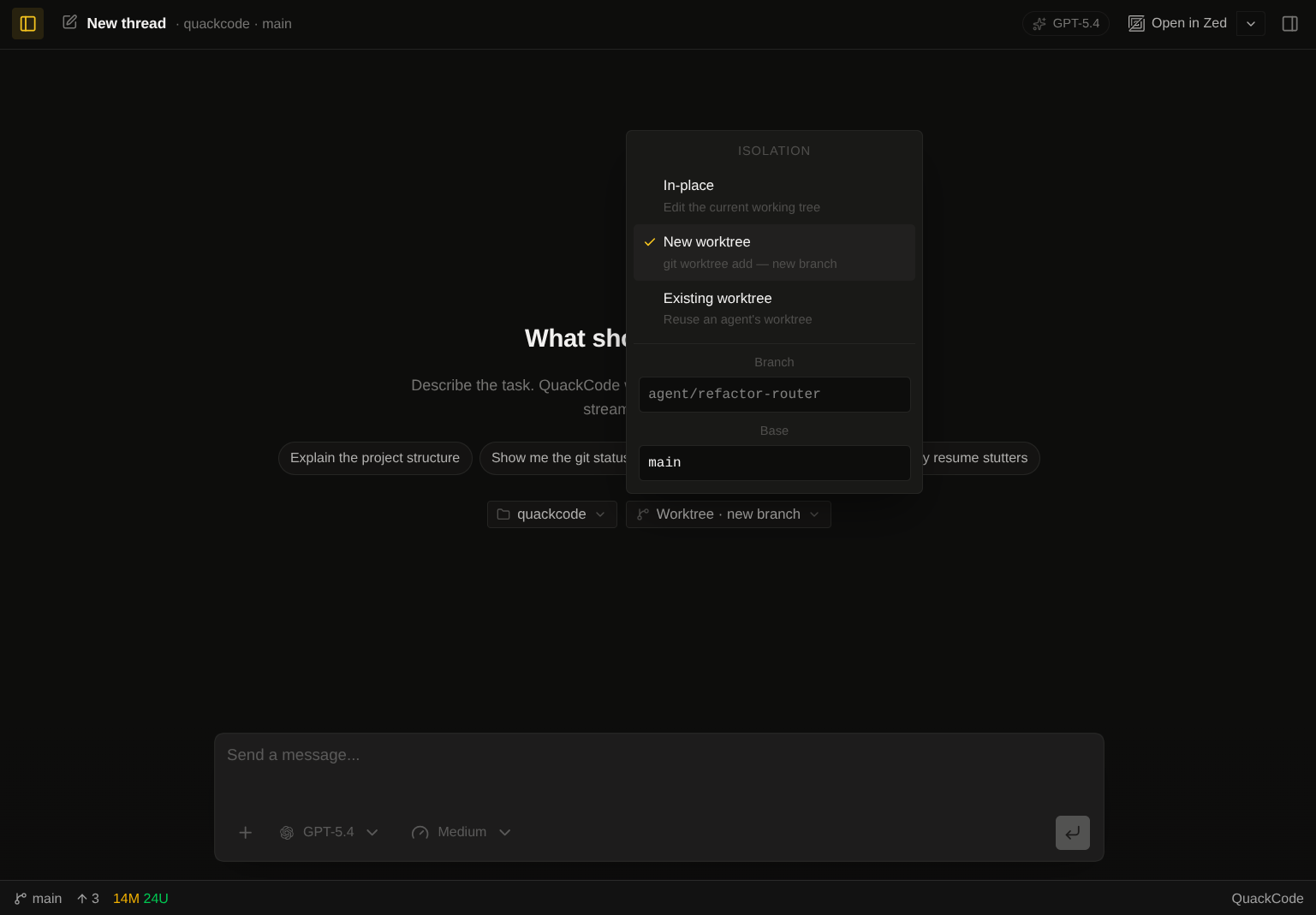
The hardest product decision was how to make bad runs cheap. QuackCode can run against the local repo or against a disposable git worktree, and new worktrees are created under .quackcode-worktrees inside the project. That means I can hand the agent a real task without mixing its edits into whatever I already have in progress. If the run goes sideways, I remove the worktree and move on.
The safety model itself is narrow. For QuackCode's built-in file tools, paths are resolved against the project root and path traversal is rejected. But this is not a sandboxed hosted product: the Claude path is configured for autonomous local execution, and the Codex path runs through a full-access local session. In practice the trust model comes from visibility, cancellation, repo isolation, and the fact that this is a local power-user tool running on my own machine.
Local-first memory#
Everything important sits in a local better-sqlite3 database. I thought about a flat JSON file first because it would have been easier to read in a terminal, but the moment I imagined the chat loop and a scheduled automation writing to the same file at the same time I stopped. SQLite with WAL mode gave me concurrent reads during a write without fighting the filesystem, and turning on foreign_keys meant deleting a project actually deleted its threads and events instead of leaving zombie rows behind.
Replaying a thread correctly was the hard part. Timestamps are not enough once text and tool calls are streaming at the same time, so thread_events has a per-thread sequence column and an index on (thread_id, sequence). The only other index I needed was (project_id, sort_order) on the thread list, because without it a project with a few hundred threads felt noticeably slower to open. Schema changes go through a runMigrations() pass at startup that uses PRAGMA table_info to see which columns exist and adds the missing ones inside a single transaction, so a failed upgrade rolls back cleanly instead of leaving someone's DB half-written.
Once the agent becomes part of daily work, old runs stop being throwaway chat history. I can reopen a repo, search past threads, and find the exact turn where the agent figured something out last week.
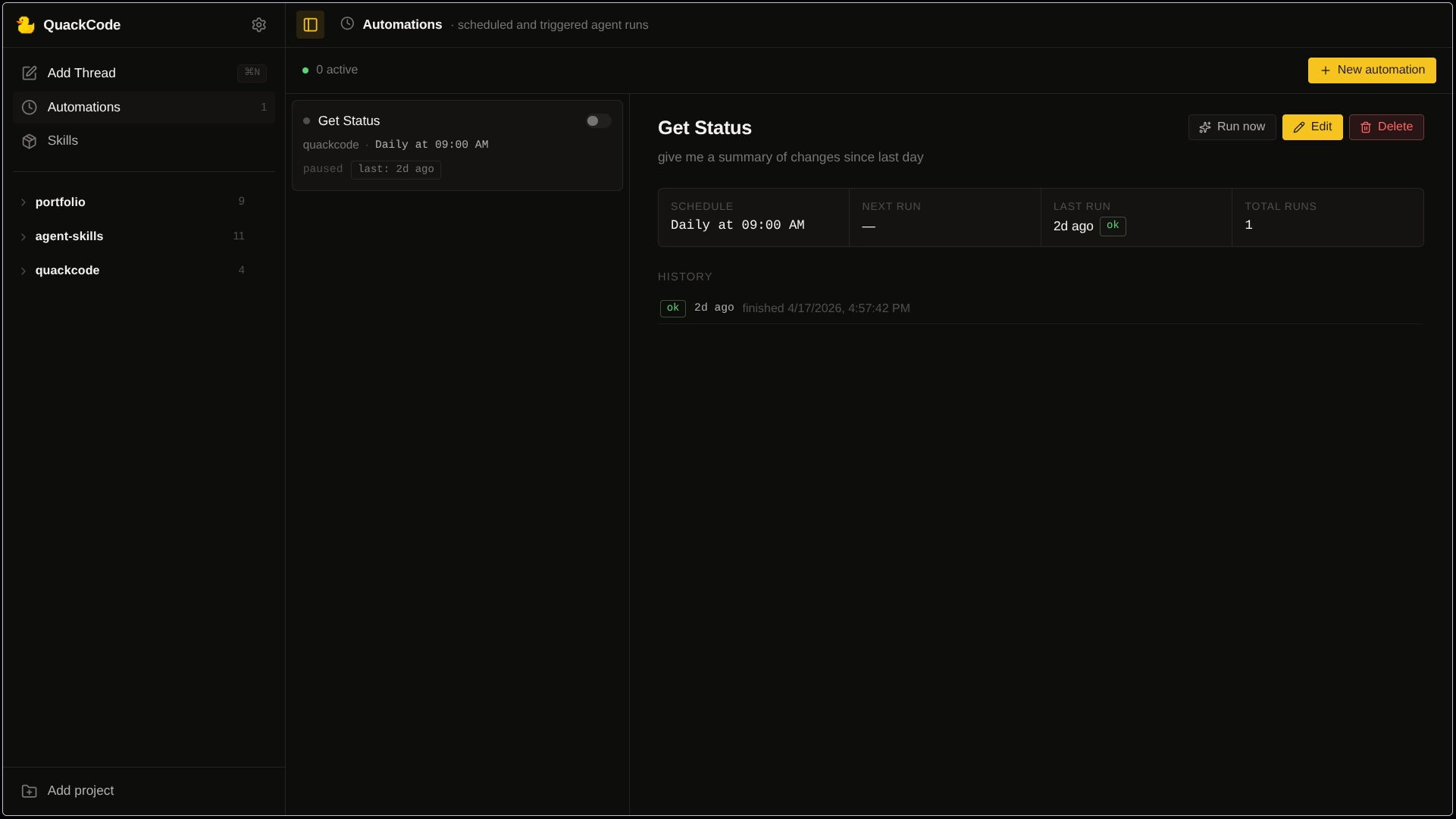
The scope widened once the main chat loop was solid. I wanted prompts to run on a schedule without pulling in a new runtime or a process manager for it, so the scheduler is deliberately small: a Map of setTimeout handles keyed by automation id, and a next_run_at column in the DB that gets updated before every run. If a timer is stale and fires late, the next_run_at check catches it instead of double-firing.
Retries were the part I kept second-guessing. Most jobs I have built in the past retry by default, but a coding agent is not a stateless job. A failed run may have already touched files. So a failure goes into automation_executions.error and the [Auto] thread stays on disk, and the next scheduled run happens on schedule, not sooner. If I want the failed work to happen again, I open the thread and decide.
The skills view is smaller in scope, but the edges still matter. It spawns the skills CLI through npx --yes skills with DISABLE_TELEMETRY=1 and CI=1, which sounds minor but matters when the child process is a few menus deep and will happily hang forever on an interactive prompt nobody ever sees. Local SKILL.md reads are pinned to the installed-skills list before the file is opened, so the UI cannot be tricked into reading an arbitrary path if the id ever comes from the wrong place. For skills hosted on GitHub I fetch the raw markdown URL and parse the frontmatter with a small line-scanner. A full YAML dependency would have been more code and one more thing to keep up to date for the handful of fields the app actually reads.
What I learned#
Most of QuackCode was built with AI tools. Claude Code and Codex through opencode handled a lot of the day-to-day coding, which felt like a fair test of the premise since QuackCode is itself a coding agent. They helped a lot, but a few problems needed hands-on debugging. The one I remember most clearly was the renderer. On a long streamed reply the UI would go sluggish and the fan would spin up, and no amount of prompting got the agent to diagnose it correctly. I spent a weekend in the profiler and the fix turned out to be small: merge consecutive text_delta chunks for the same message, buffer them in a pending array, and flush once per animation frame. Terminal chunks like done and error still flush immediately so the state machine does not stall. The patch was maybe forty lines. Finding it was not.
I also learned a lot from reading other projects. Going through opencode at the start gave me the shape of what a multi-provider layer should look like, in particular the idea of a canonical parts stream that every provider emits into so the renderer can stay provider-agnostic. That is what parts.ts does in QuackCode today. Pi showed me a clean way to handle CLI-backed sessions, and I pulled a few pieces from t3code later on.
Generating code is the easy part of a coding agent. The harder parts are state, boundaries, and recovery, and you tend to notice them only when they are missing. Worktrees started as a vague idea and became real only after an agent run touched files I was mid-edit on. The rest of the isolation and memory work showed up the same way: specific, local, reactive.